Your first flight
Signing in
Section titled “Signing in”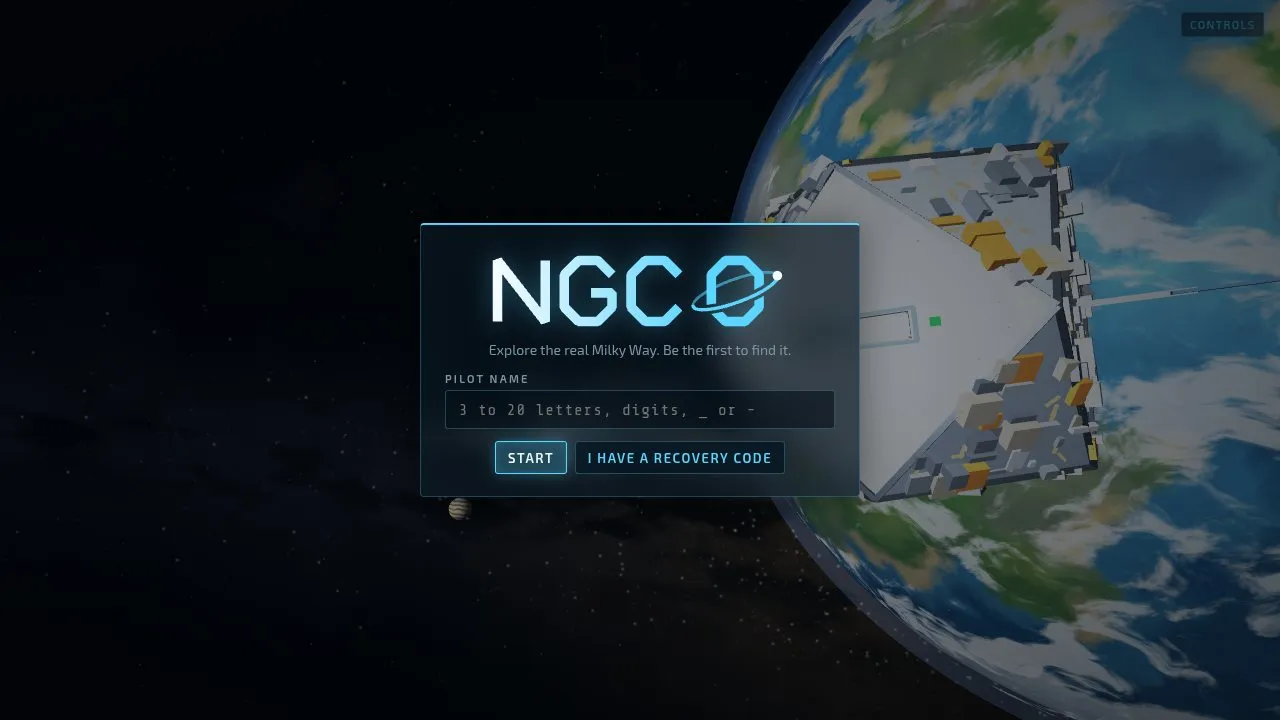
Pick a pilot name (3 to 20 letters, digits, _ or -) and press Start. The game then shows you a recovery code once. Write it down: it is the only way to sign in on another device, and it won’t be shown again. On the other device, choose I have a recovery code and enter your name and the code.
The game is online only. Your progress is kept on the server, so it follows you between devices. If the connection drops, the game pauses until it’s back.
Where you start
Section titled “Where you start”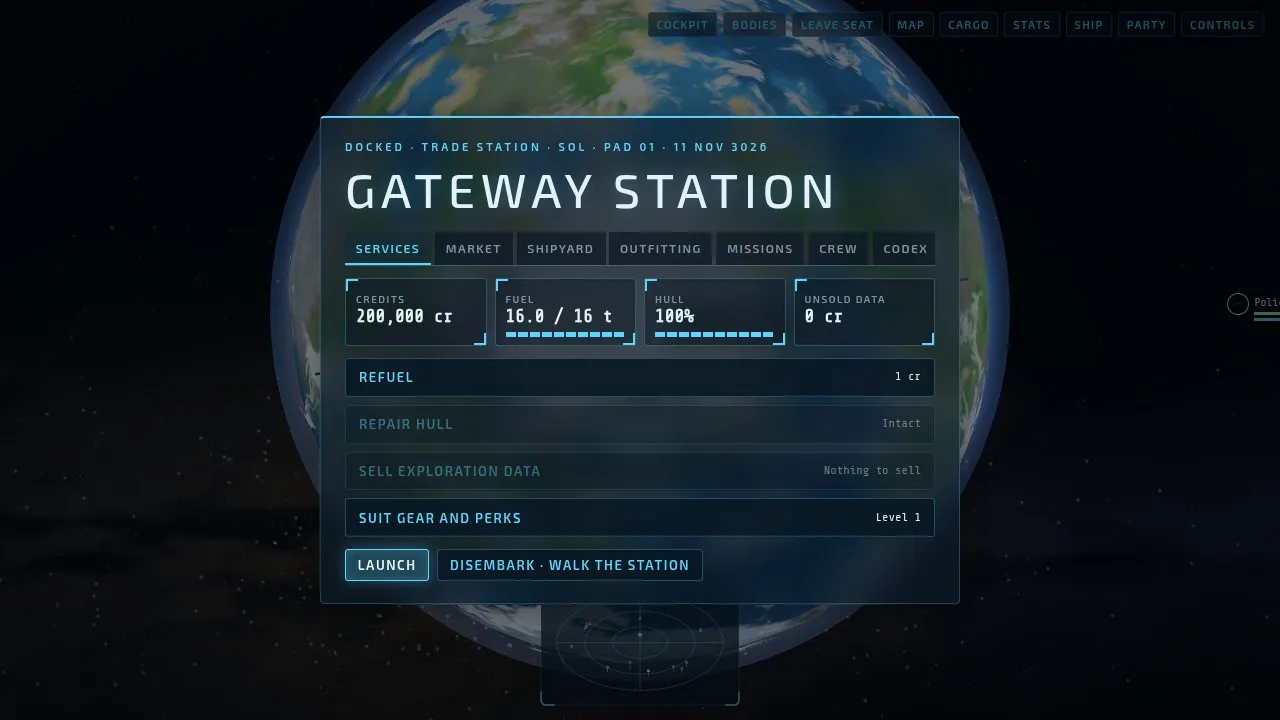
A new pilot starts docked at Gateway Station, in the Sol system, in a Wayfarer: a small explorer with a bit of everything. The station’s tabs are Services (refuelling, repairs, selling data), Market, Shipyard, Outfitting, Missions, Crew and Codex. On foot in the concourse, each of them is a counter you can walk up to. Press Launch to undock, or Disembark to walk the station first.
The basic loop
Section titled “The basic loop”The game’s own short version, from the controls screen:
- Scan. Hold H (or Scan) to sound the discovery scanner. It shows the bodies in the system.
- Survey. Pick a body as your target (T, or from the bodies list, B), cruise close and keep your nose on it to scan it.
- Refuel. Skim a star in supercruise to fill your tank.
- Jump. Open the galaxy map (M), pick a star in range, press J and align.
- Cash in. Dock at a station (press G within 25 km of it) and sell your exploration data.
Everything you scan is held as unsold data until you sell it at a station. Lose your ship first and it’s gone.
What next
Section titled “What next”There’s no one path. Some pilots head out to find exotic stars nobody has scanned yet, some trade, some mine, some take contracts or hunt pirates and machines. Each of those has a career rank of its own, and every rank brings work rather than power in a fight: see Ranks and records. For ideas to aim for, see Goals to aim for.
The Controls button along the top shows the controls and settings at any time.